 Ampliflare Audio Checklist
 Podcast Recording Checklist
A one-page checklist for recording and finishing a podcast episode that sounds clean: before you record, while recording, and the cleanup and export steps after.

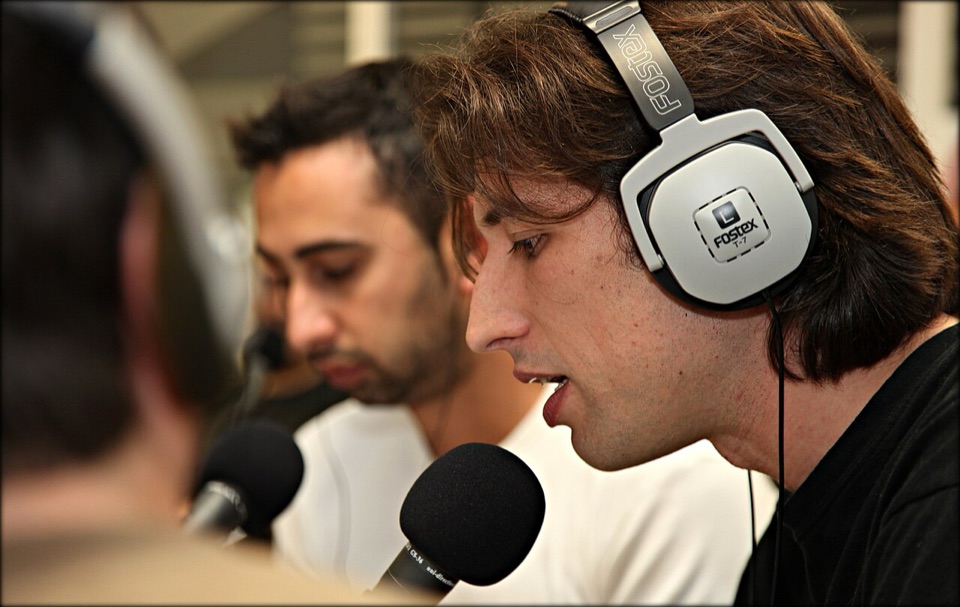
A one-page checklist to print or keep open while you record. Here’s what’s in it.
Before you record
- Turn off fans, air conditioning and notifications you can control.
- Record in the smallest, softest room you have; soft furnishings cut echo.
- Put the mic close to your mouth, a hand’s width away, slightly off-axis.
- Do a 30-second test, and listen back on headphones.
While recording
- Record 10 seconds of silence first: room tone, for cleanup later.
- Keep peaks well below clipping. You can make a quiet recording louder; you can’t fix a clipped one.
- Record each speaker on their own track if you can.
After recording
- Back up the raw files before you touch them.
- Remove noise, then fix loudness (in that order), then cut.
- Export to the format your host asks for, usually mp3.
- Listen to the first and last minute of the final file.
Read next
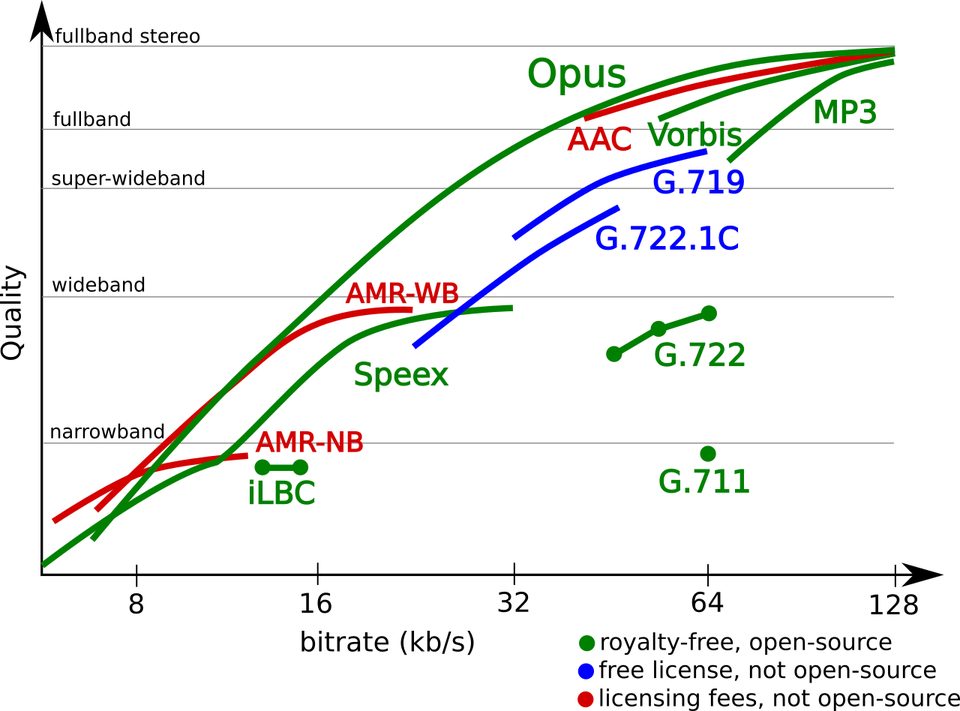 What Is an Opus File? The Audio Codec ExplainedOpus is an open audio format that sounds better than MP3 at the same file size. Here's what it is, where you'll meet it, and how to open and convert it.
 Best Sound Repair Software for Damaged RecordingsRepair recorded audio by matching the damage to the tool: steady hiss and hum, clicks and crackle, or clipped peaks. Four picks compared, free and paid, October 2026.
 Mic Enhancer Software: Make a Voice Recording Sound BetterMic enhancer software fixes what makes a recording sound cheap: it takes out noise and rumble, evens the level, and sets it for where it plays. Here is the whole job, offline.