 JS Playground 5 picks
 Best Online JavaScript Playgrounds for Quick Experiments
Five no-install JavaScript playgrounds compared: browser REPLs, CDN packages, and full npm projects, with their free tiers and limits.

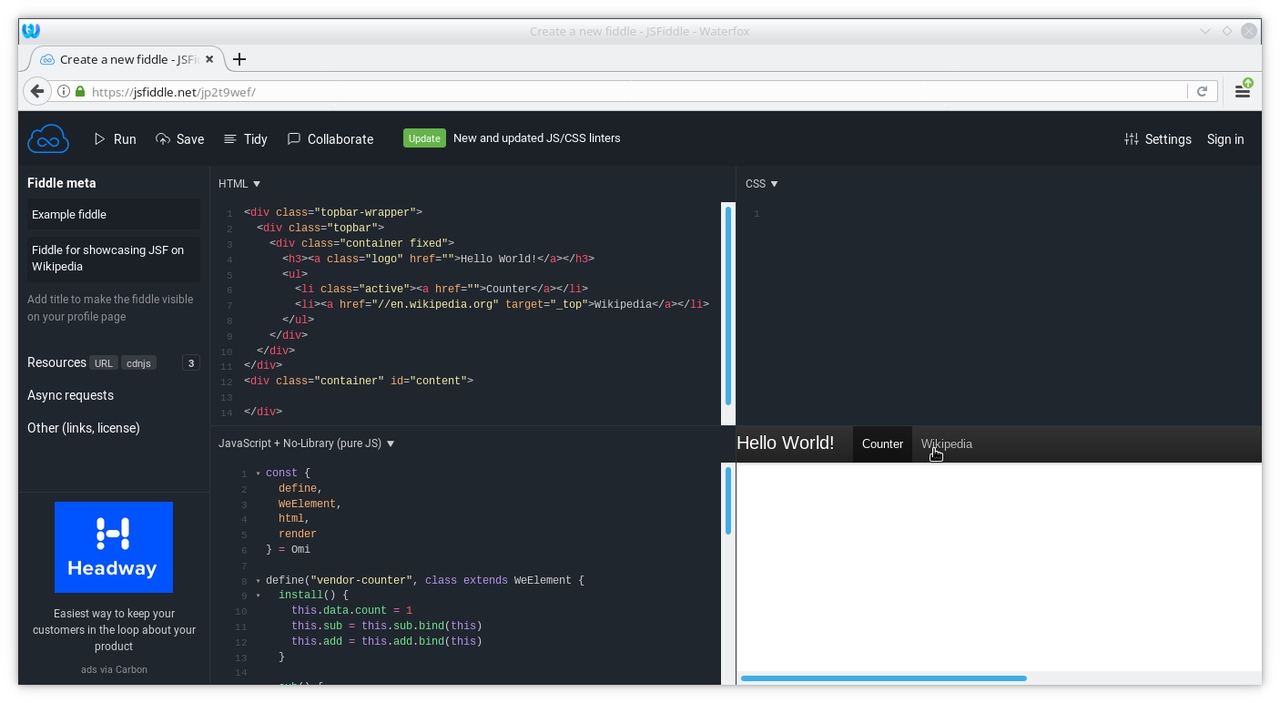
Sometimes you just need to run a piece of JavaScript without creating a project. No Node install, no folder, no config. An online playground gives you an editor and a console in one browser tab.
The five tools below differ in how much project they give you. At one end, a bare REPL for a throwaway snippet. At the other, a full dev server with real npm installs. All of them run without a local install.
How these were picked
Each pick was checked against its own site on October 9, 2026: the plan, the free tier, and the feature set as documented there. This is a documentation comparison, not a benchmark, and prices can change, so check the linked pricing pages before you pay.
The criteria that matter for a quick experiment: does the free tier cover the work, how do npm packages get in, can you share the result, and where does the code actually run. The table under the cards lines the five up on the same labels.
For serious projects none of these replaces a local setup with a proper debugger and tests. They earn their place for snippets, library demos and questions you want answered in the next minute.
Which one to choose
Start with JS Playground when you have a snippet to test and want an answer in seconds. It loads npm packages from a CDN and needs no account, but it does not save or share, so copy what you want to keep.
Use CodePen when the work is HTML, CSS and JavaScript together, with a preview you can see while you type. It is the natural home for layout and interaction demos. The free plan keeps pens public and limits each pen to three files.
Use JSFiddle when you want a small, shareable demo with a library added in a few clicks. The CDNJS search and the boilerplates get you to a working fiddle fast.
Use StackBlitz when you need a real npm install and a dev server, and you want them in the browser. It is the pick for a genuine project that should not touch your machine. Free means public, and saving needs a GitHub account.
Use CodeSandbox when you want project templates and do not mind the heavier sandboxes running on the cloud. It is the closest of the five to a full remote dev environment, and the free plan already includes private sandboxes.
Outside this list, PlayCode still runs a playground, but its site now leads with an AI app builder, so it does not earn a card here.
JS Playground
Best for running a snippet in seconds, with npm packages from a CDN
A free browser REPL that pulls npm packages from a CDN with esbuild-wasm. Type code on the left, read the result instantly, and toggle REPL mode for line-by-line evaluation.
- Free tier
- Everything
- npm packages
- Yes, via CDN
- Save and share
- No
- Where code runs
- Your browser (esbuild-wasm)
Good
- Runs npm packages from a CDN, no build step
- Instant feedback with a REPL mode and an auto-run toggle
- No account, no install, nothing to sign up for
- Free and open source
Watch out for
- No share links or saved projects; code is gone when the tab closes
- One-file editor with no templates or file tree
- Runs in your browser only, so no server-side Node
Free Any browser Made by purplecandy
Visit JS PlaygroundCodePen
Best for HTML, CSS and JavaScript together, with a live preview
A browser editor built around pens: small HTML, CSS and JS files with a preview that updates as you type. The free plan covers unlimited public pens with three files each.
- Free tier
- Yes; 3 files per pen, public only
- npm packages
- No; add libraries by CDN link
- Save and share
- Yes, links and embeds
- Where code runs
- Your browser
Good
- Live preview with HTML, CSS and JS in one place
- Free plan with unlimited public pens
- Share links and embeds, plus a library search to add scripts
Watch out for
- Free plan is limited to three files per pen, and pens stay public
- No npm installs; libraries come in as CDN links
Free; paid plans from $8/month Any browser
Visit CodePenJSFiddle
Best for a quick library demo you can share with a link
The classic fiddle editor for HTML, CSS and JavaScript, with a built-in CDNJS library search and boilerplates for React, Preact, TypeScript and more. Free to use, with a paid PRO tier.
- Free tier
- Yes
- npm packages
- No; CDNJS library search
- Save and share
- Yes, by link
- Where code runs
- Your browser
Good
- Library search pulls in jQuery, React or any CDNJS package fast
- Boilerplates for React, Preact, TypeScript, SCSS and others
- Save and share fiddles with a link
Watch out for
- No real npm installs; packages come from CDNs
- Editor feels dated next to the newer tools
Free; paid PRO tier Any browser
Visit JSFiddleStackBlitz
Best for full npm projects whose Node runs inside your browser
A browser IDE where real npm installs run in the page through WebContainers. Open a project template or a public GitHub repo, and a dev server runs with no local setup. Free for public projects.
- Free tier
- Yes; public projects
- npm packages
- Yes, full npm installs in the browser
- Save and share
- Yes; GitHub sign-in needed
- Where code runs
- Your browser (WebContainers)
Good
- Runs a real Node.js environment in the browser (WebContainers)
- Open and edit public GitHub repositories without cloning
- VS Code style editor with a dev server in one tab
Watch out for
- Saving and collaborating need a GitHub account
- Free uploads are capped at 1MB per project
- Free tier covers public projects only
Free; Pro $18/month, billed annually Any browser
Visit StackBlitzCodeSandbox
Best for a full project with templates, when cloud VMs are fine
A sandbox editor with template support for React, Vue and other frameworks, plus a dependency search for npm packages. Browser sandboxes run client-side; VM sandboxes run a real Node server on CodeSandbox's cloud.
- Free tier
- Yes; unlimited sandboxes
- npm packages
- Yes, dependency search
- Save and share
- Yes
- Where code runs
- Your browser, or cloud VMs
Good
- Dependency search adds npm packages inside the editor
- Templates for popular frameworks and front-end setups
- VM sandboxes give a real Node server, up to 4 vCPUs on the free plan
- Private sandboxes are included in the free plan
Watch out for
- VM sandboxes rely on the cloud, not your machine
- Paid workspace plans start at $170 per month
Free; paid workspace from $170/month Any browser
Visit CodeSandboxSide by side
| Aspect | JS Playground | CodePen | JSFiddle | StackBlitz | CodeSandbox |
|---|---|---|---|---|---|
| Best for | running a snippet in seconds, with npm packages from a CDN | HTML, CSS and JavaScript together, with a live preview | a quick library demo you can share with a link | full npm projects whose Node runs inside your browser | a full project with templates, when cloud VMs are fine |
| Price | Free | Free; paid plans from $8/month | Free; paid PRO tier | Free; Pro $18/month, billed annually | Free; paid workspace from $170/month |
| Platforms | Any browser | Any browser | Any browser | Any browser | Any browser |
| Free tier | Everything | Yes; 3 files per pen, public only | Yes | Yes; public projects | Yes; unlimited sandboxes |
| npm packages | Yes, via CDN | No; add libraries by CDN link | No; CDNJS library search | Yes, full npm installs in the browser | Yes, dependency search |
| Save and share | No | Yes, links and embeds | Yes, by link | Yes; GitHub sign-in needed | Yes |
| Where code runs | Your browser (esbuild-wasm) | Your browser | Your browser | Your browser (WebContainers) | Your browser, or cloud VMs |
Questions
Do online JavaScript playgrounds need an install?
No. Everything runs in a browser tab. StackBlitz runs Node inside the browser, and CodeSandbox's VM sandboxes run on their cloud servers.
Can I use npm packages in an online playground?
Yes, in different ways. JS Playground loads packages from a CDN, StackBlitz runs real npm installs in the browser, and CodeSandbox has a dependency search. CodePen and JSFiddle add libraries as CDN links.
Are online JavaScript playgrounds free?
All five in this list have a free tier. Paid plans add private projects, more files per project and bigger uploads.
Read next
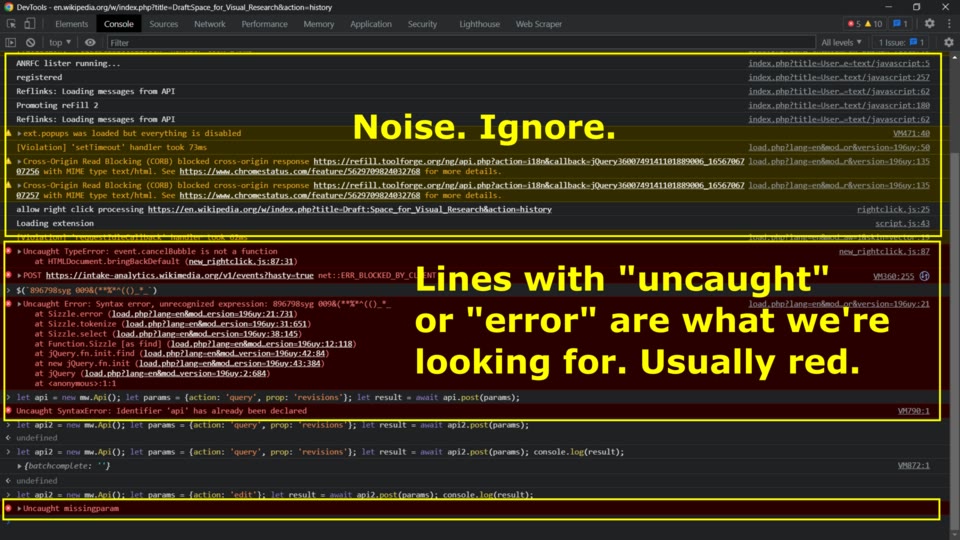 Best Chrome Extensions for Web Developers: 2026Five Chrome extensions that cover everyday dev work: reading API responses, debugging React, testing cookies, and profiling any site's stack. Checked at each store page in October 2026.
 How to Develop a Chrome ExtensionBuild your first Chrome extension in about ten minutes: the manifest, a popup page, loading it in developer mode, and debugging it. No build tools needed.
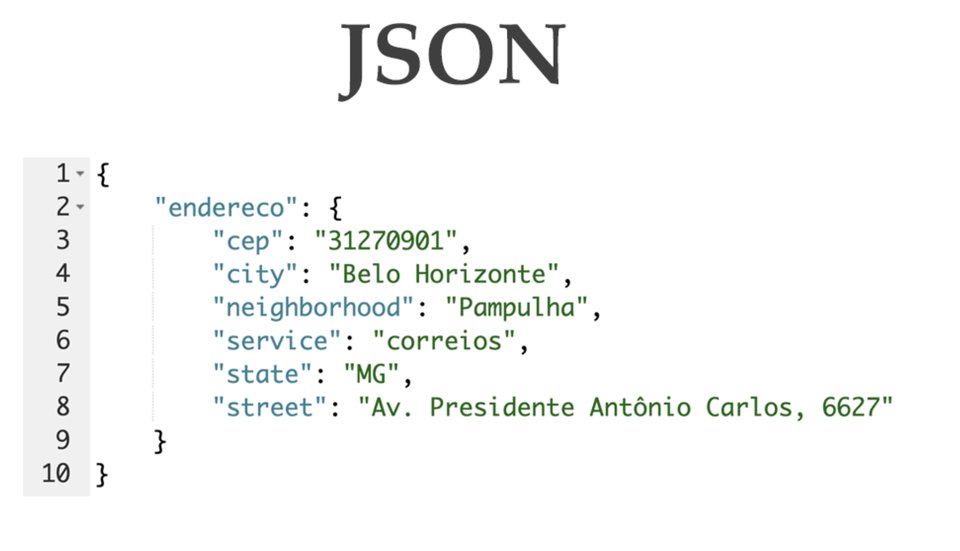 Best JSON Viewer Extensions for Large PayloadsFive browser extensions for inspecting large JSON responses: virtualized trees, JSONata queries, JSONPath navigation, and which ones stay fast on huge payloads.