 BestWebExtension 5 picks
 Best JSON Viewer Extensions for Large Payloads
Five browser extensions for inspecting large JSON responses: virtualized trees, JSONata queries, JSONPath navigation, and which ones stay fast on huge payloads.

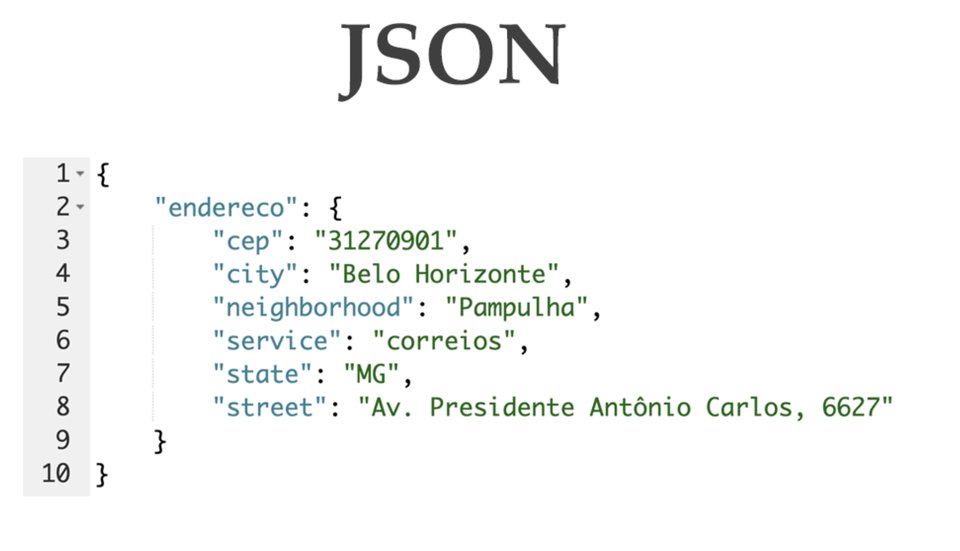
Big JSON responses break the tools that format small ones. A 50 MB API dump renders as thousands of DOM nodes, and a viewer that builds them all at once freezes the tab. The extensions below differ in how they handle that load, which is what this list is about.
How these were picked
Each pick was checked against its own page on October 9, 2026: the store listing and the maker’s site or repository. This is a documentation comparison, not a benchmark. Prices can change, so check before you pay.
The criteria that matter for large payloads: does the viewer render lazily, can you query or edit the document, does dark mode exist, and where does the data go. The table under the cards lines the five up on the same three labels.
Which one to choose
Start with Best JSON Viewer when the response is big and you want one tool that reads, queries, and edits it without uploading anything. The virtualized tree is the only pick here that documents staying responsive on tens of thousands of nodes, and JSONata turns a lookup into one typed expression. Firefox support is still in development, so Chrome and Chromium browsers are the current home. If you want the story behind making JSONata yield on a busy event loop, the essay is here.
Use JSON Formatter when you open an API response in a tab and just want it readable, fast, and left alone. It is the oldest and most installed pick in this list, dark mode is one click, and the parsed object lands in the console for free.
Use JSONVue when you want the classic JSONView behavior with validation built in and a stylesheet you control. It has not been updated since 2023, which is fine for a viewer that still works, but worth knowing.
Use JSON Viewer Pro when you want a chart and JSONPath navigation on top of a tree, and you are happy with its closed listing. The import of local JSON, YAML, and XML files is the rare feature here.
Use JSON Viewer when you want item counts in the tree and the ability to open local files. It is a faithful JSONView port with a few extras, and its page is honest that it can collide with other JSON extensions.
For quick experiments with JSON data itself, the online JavaScript playgrounds list covers the no-install editors. A viewer extension is for reading what an API already returned.
Best JSON Viewer
Best for very large responses, in a viewer that keeps data in the browser
A privacy-first JSON viewer from BestWebExtension. A virtualized tree stays responsive on tens of thousands of nodes, a table view handles arrays of objects, and JSONata expressions query or transform the document in place. Inline editing validates as you type, dark and light themes are built in, and the page makes no network requests.
- Open source
- Yes
- Dark mode
- Yes
- Handles large JSON
- Yes, virtualized tree
Good
- Virtualized tree stays responsive on very large responses
- JSONata queries and a sortable table view for arrays
- Inline editing with real-time validation
- No analytics or network requests; data stays in the browser
- Open source, free for personal use
Watch out for
- Newer extension with a small user base so far
- Firefox version still in development; Chrome store today
- Commercial use needs a paid plan
Free for personal use; paid for commercial use Chrome; Firefox in development Made by purplecandy
Visit Best JSON ViewerJSON Formatter
Best for reading long API responses fast, in a tab you opened anyway
The original JSON Formatter, now with an optional dark mode. It auto-formats any valid JSON page, stays fast on very long responses, and exports the parsed object to window.json so you can inspect it in the console.
- Open source
- Yes
- Dark mode
- Yes
- Handles large JSON
- Yes, fast on long pages
Good
- Fast even on very long JSON pages
- Optional dark mode and syntax highlighting
- Toggle between raw and parsed views
- Exports the parsed object to window.json
- Negligible impact on pages that are not JSON
Watch out for
- No editing, queries, or table views
- Its page warns it can clash with other JSON extensions
Free Chrome
Visit JSON FormatterJSONVue
Best for validated, RFC 4627 layout with a stylesheet you can swap
A JSONView port for Chrome that validates as it formats. It checks the document against a client-side JSONLint, honors the RFC 4627 layout, and accepts a custom stylesheet. JSONP-wrapped responses work too.
- Open source
- Yes
- Dark mode
- Not stated
- Handles large JSON
- Not stated
Good
- Validates JSON with a client-side JSONLint
- Customizable stylesheet
- JSONP support for wrapped responses
- Open source
Watch out for
- Last updated in 2023
- No dark mode stated on its store page
- No editing or query features
Free Chrome
Visit JSONVueJSON Viewer Pro
Best for tree and chart views with JSONPath navigation
A free JSON viewer with two visualizations: a tree and a chart. Breadcrumbs trace deep paths, a JSONPath prompt jumps to any value, and local JSON, YAML, or XML files can be imported. Dark and light themes are built in.
- Open source
- Not stated
- Dark mode
- Yes
- Handles large JSON
- Not stated
Good
- Tree and chart views for the same document
- JSONPath navigation and breadcrumbs
- Imports local JSON, YAML, and XML files
- Dark and light themes, custom CSS, no ads
Watch out for
- Chart view adds little for plain debugging work
- Large-file behavior not documented on its store page
Free Chrome
Visit JSON Viewer ProJSON Viewer
Best for a classic tree with item counts, including local files
An updated port of the classic JSONView for Chrome. Collapsible tree nodes show item counts, URLs become clickable, and JSONP is supported. It renders local files too, once file access is enabled in chrome://extensions.
- Open source
- Yes
- Dark mode
- Not stated
- Handles large JSON
- Not stated
Good
- Item counts next to collapsible tree nodes
- Works on local files when file access is enabled
- JSON and JSONP support, with a raw/parsed toggle
- Open source
Watch out for
- Its page warns it may conflict with other JSON extensions
- No editing or query features
Free Chrome
Visit JSON ViewerSide by side
| Aspect | Best JSON Viewer | JSON Formatter | JSONVue | JSON Viewer Pro | JSON Viewer |
|---|---|---|---|---|---|
| Best for | very large responses, in a viewer that keeps data in the browser | reading long API responses fast, in a tab you opened anyway | validated, RFC 4627 layout with a stylesheet you can swap | tree and chart views with JSONPath navigation | a classic tree with item counts, including local files |
| Price | Free for personal use; paid for commercial use | Free | Free | Free | Free |
| Platforms | Chrome; Firefox in development | Chrome | Chrome | Chrome | Chrome |
| Open source | Yes | Yes | Yes | Not stated | Yes |
| Dark mode | Yes | Yes | Not stated | Yes | Not stated |
| Handles large JSON | Yes, virtualized tree | Yes, fast on long pages | Not stated | Not stated | Not stated |
Questions
Do JSON viewer extensions send my data anywhere?
Best JSON Viewer states it makes no network requests and runs entirely in the browser. For the other four, check the permissions listed on each store page before installing.
Can a browser extension handle a very large JSON file?
Only one that renders lazily. Best JSON Viewer virtualizes its tree for tens of thousands of nodes, and JSON Formatter is built to stay fast on very long pages. The other three do not document large-file behavior, so test them against your own file.
Read next
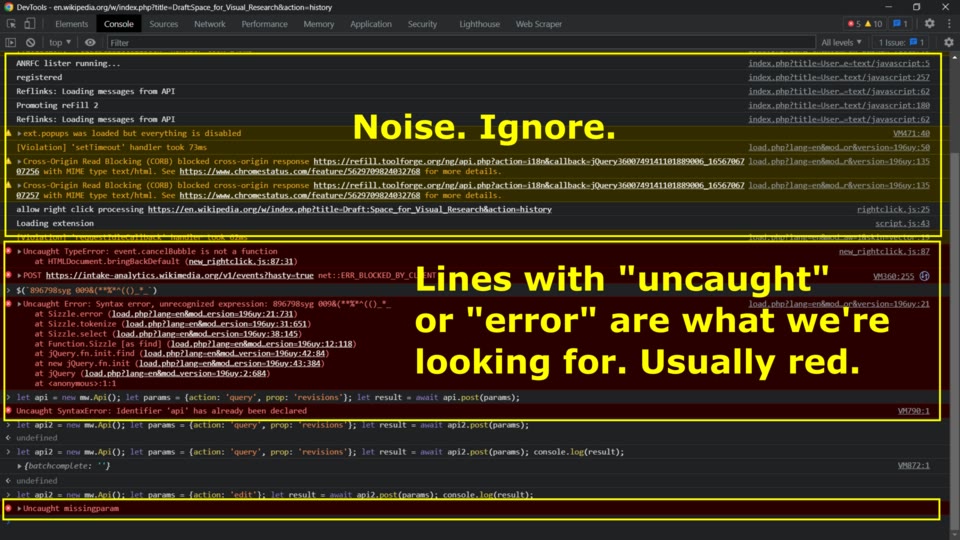 Best Chrome Extensions for Web Developers: 2026Five Chrome extensions that cover everyday dev work: reading API responses, debugging React, testing cookies, and profiling any site's stack. Checked at each store page in October 2026.
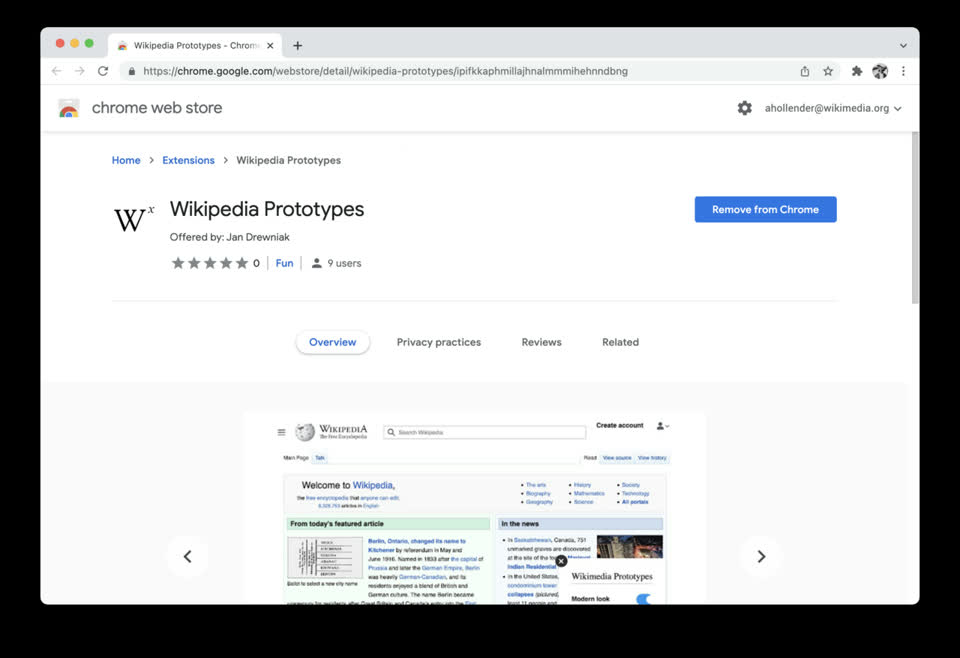 How to Develop a Chrome ExtensionBuild your first Chrome extension in about ten minutes: the manifest, a popup page, loading it in developer mode, and debugging it. No build tools needed.
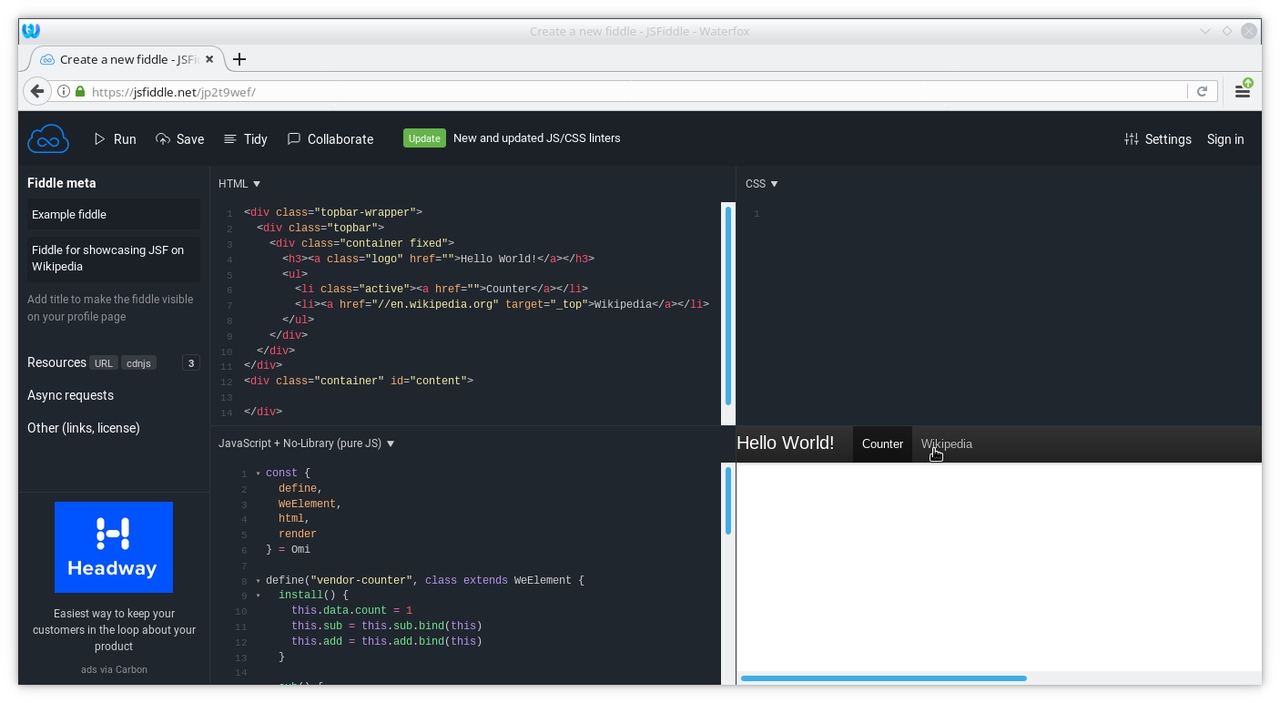 Best Online JavaScript Playgrounds for Quick ExperimentsFive no-install JavaScript playgrounds compared: browser REPLs, CDN packages, and full npm projects, with their free tiers and limits.