Topics
browser extensions
6 pages across blog.
- Web EngineeringHow to Check a Chrome Extension's PermissionsA permission list is the only proof you get before installing. Read the install prompt, the store's privacy tab and the details page, and know what they still miss.
- Web EngineeringHow to Read a JSON Response Without Leaking Every RequestAn API response can carry tokens, emails and internal hostnames. Here is how to read and format one inside the browser, without handing the whole document to a formatter website.
- Web EngineeringHow to Query JSON With JSONata in the BrowserPull one field out of a large API response without scrolling it: what JSONata is for, the expressions that do the work, and where to run them in a browser.
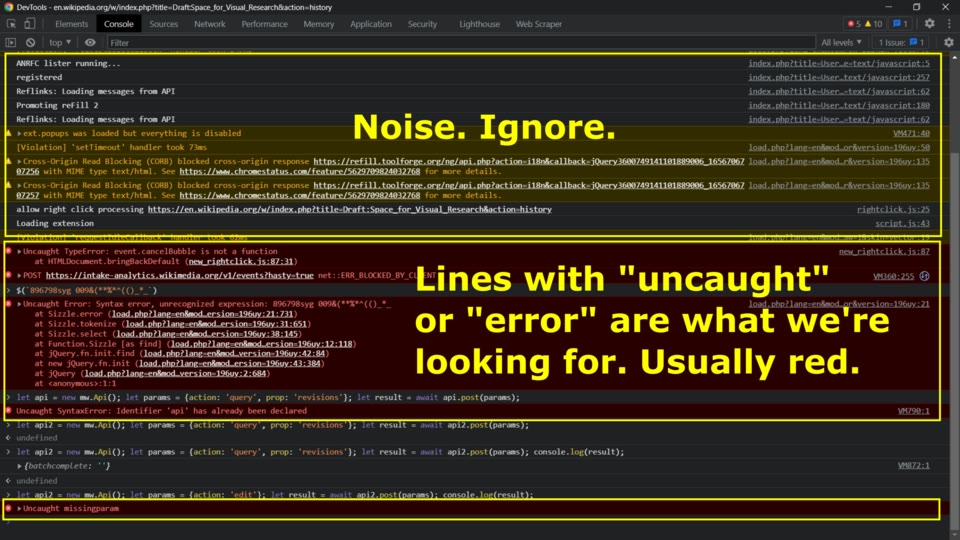 Web EngineeringBest Chrome Extensions for Web Developers: 2026Five Chrome extensions that cover everyday dev work: reading API responses, debugging React, testing cookies, and profiling any site's stack. Checked at each store page in October 2026.
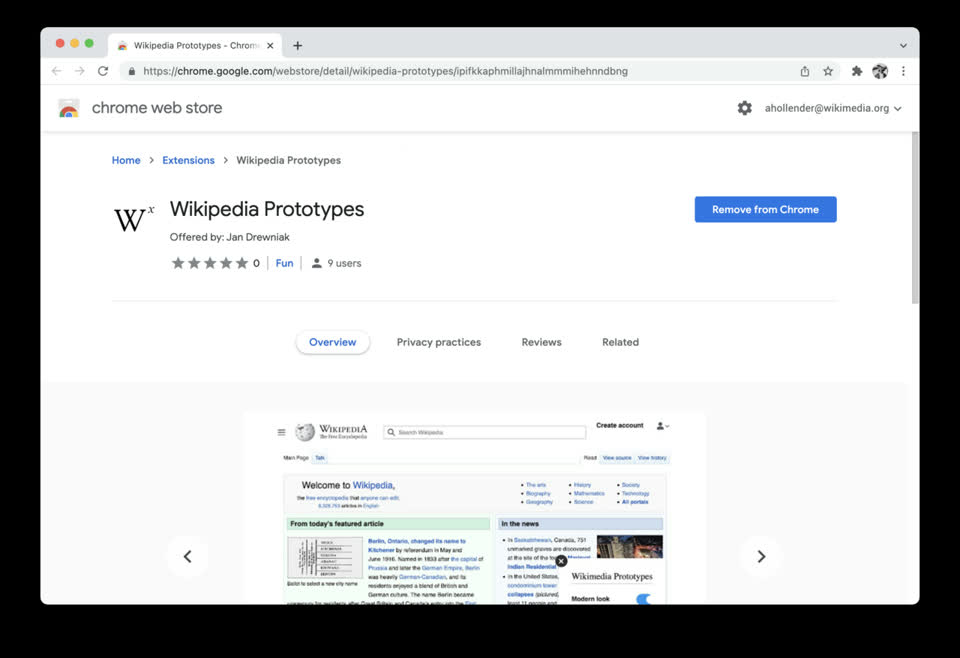 Web EngineeringHow to Develop a Chrome ExtensionBuild your first Chrome extension in about ten minutes: the manifest, a popup page, loading it in developer mode, and debugging it. No build tools needed.
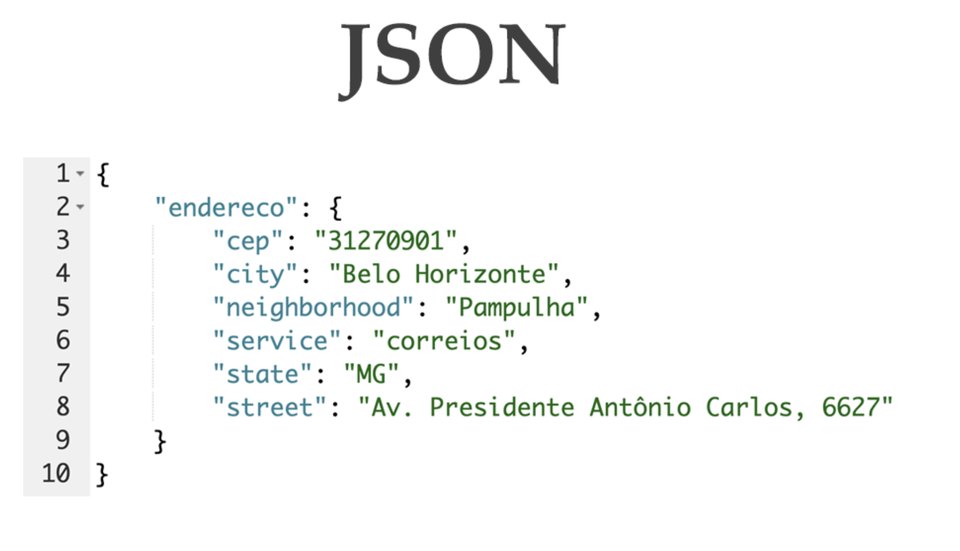 Web EngineeringBest JSON Viewer Extensions for Large PayloadsFive browser extensions for inspecting large JSON responses: virtualized trees, JSONata queries, JSONPath navigation, and which ones stay fast on huge payloads.