 Ampliflare Audio Release
 Ampliflare Audio 1.0
Ampliflare Audio 1.0 lets you choose where results go, rebuilds the Split tool and adds licenses for commercial use. 1.0.1 bundles ffmpeg and makes the source public under the AGPL.
Version 1.0 shipped on October 2, five days after the first beta. It runs on macOS (Apple silicon and Intel), Windows and Linux.
Version 1.0
- Choose where results go. A bar along the bottom shows where new files are saved and what they’re called. Results land next to the originals by default, or in a folder you pick.
- Name results with a pattern. A pattern like
{name}-{tool}turnsinterview.wavintointerview-clean.wav. A result never replaces a file that’s already there. - Easier splitting. The Split tool was rebuilt around what you get out. The picture of the sound shades and numbers each part.
- macOS and GNOME looks. Pick light, dim or dark, with an accent color.
- Licenses for commercial use. Every tool is free for personal use, up to 20 files a week. A license adds commercial use and removes the limit.
Version 1.0.1
- ffmpeg comes with the app. There’s no Homebrew, winget or package manager step before your first file.
- The source is public. It’s on GitHub under the GNU AGPL. The app you download works as before.
For the story behind 1.0, read Ampliflare Audio 1.0: Offline Noise Removal, Now Open Source.
Read next
- Ampliflare Audio 1.0: Offline Noise Removal, Now Open SourceAmpliflare Audio 1.0 strips background noise from speech on your own computer, on Mac, Windows and Linux. The same day, its source went public under the AGPL.
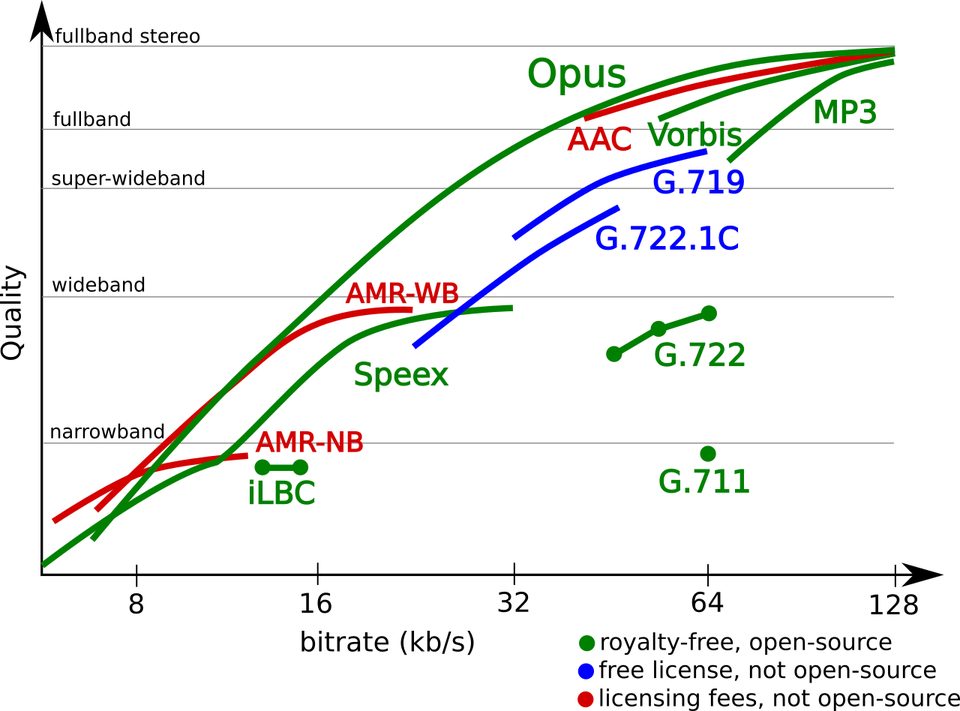 What Is an Opus File? The Audio Codec ExplainedOpus is an open audio format that sounds better than MP3 at the same file size. Here's what it is, where you'll meet it, and how to open and convert it.
 Best Sound Repair Software for Damaged RecordingsRepair recorded audio by matching the damage to the tool: steady hiss and hum, clicks and crackle, or clipped peaks. Four picks compared, free and paid, October 2026.