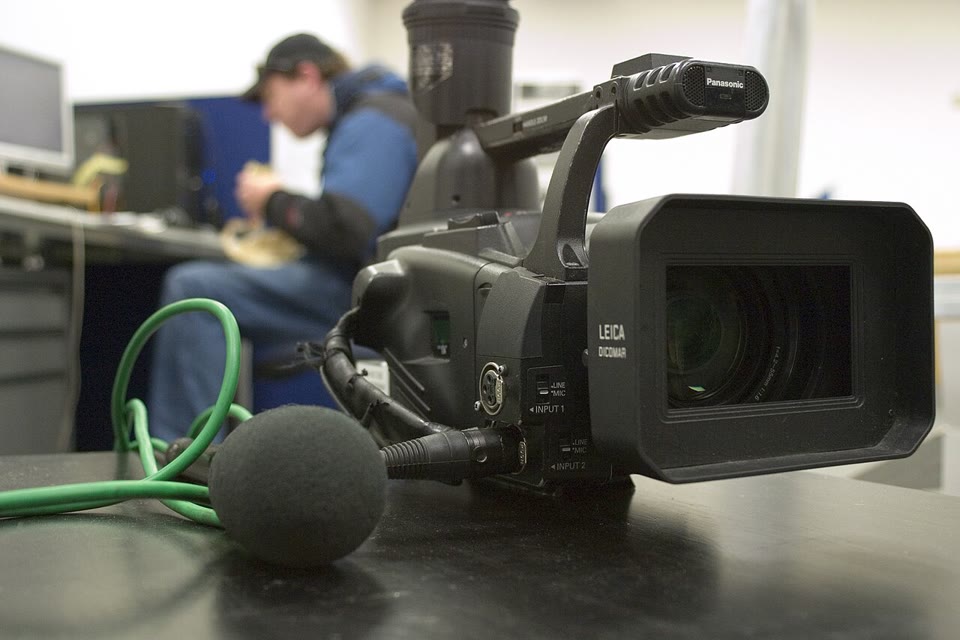
 How to Reduce Background Noise in a VideoGet fans, traffic and room noise out of a video's audio: export the track, clean it offline in Ampliflare Audio, and put it back. Nothing is uploaded.
 Best Sound Repair Software for Damaged RecordingsRepair recorded audio by matching the damage to the tool: steady hiss and hum, clicks and crackle, or clipped peaks. Four picks compared, free and paid, October 2026.
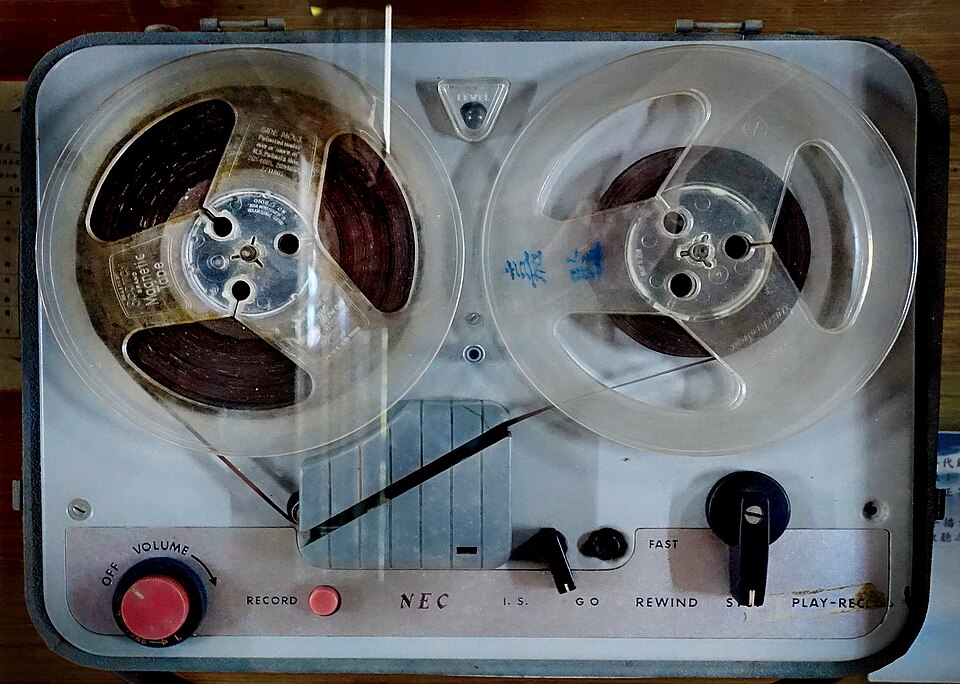 AI Audio Restoration: Fix Old Recordings on Your Own ComputerRestore hissy, muffled or noisy old recordings with AI on your own computer: remove steady noise, even out the loudness, and convert the result. Nothing is uploaded.
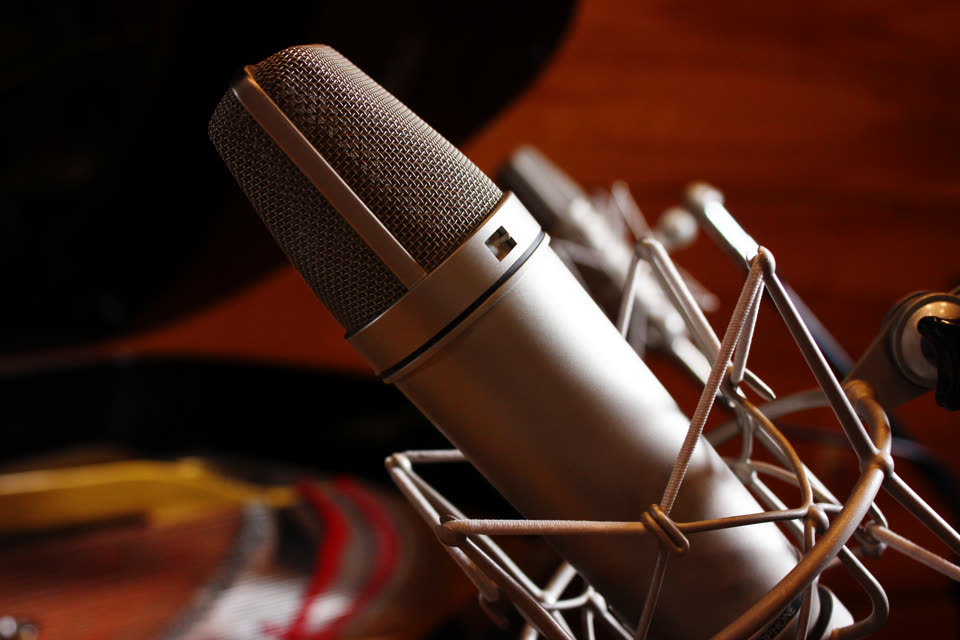 Mic Enhancer Software: Make a Voice Recording Sound BetterMic enhancer software fixes what makes a recording sound cheap: it takes out noise and rumble, evens the level, and sets it for where it plays. Here is the whole job, offline.
 Audio Leveler: How to Even Out a Recording's VolumeAn audio leveler matches a recording's loudness to where it plays: a podcast, audiobook, music streaming or broadcast. Here is the job, in Ampliflare Audio, offline.
 How to Reduce Breathing Sounds in a Microphone RecordingReduce breathing sounds in a voice recording: keep the mic off to the side, take out the room noise, and lower the breaths that are left. All offline, on your own computer.
 7 Pre-Publish Checks Before You Export a Podcast EpisodeSeven checks that catch the expensive mistakes before they ship: loudness, true peak, noise, clipping, format, metadata, and a backup. Run them and the episode survives its host.
 Why Does Noise Reduction Make My Voice Sound Robotic?Noise reduction can damage speech as it removes background sound. Learn how to spot the cause, adjust your settings, and compare results in Ampliflare Audio.
- The Complete Guide to Cleaning Up Spoken AudioA plain-language guide to cleaning spoken audio: the kinds of noise, what to fix while recording versus in post, the loudness targets platforms expect, and how to check the result.
- Ampliflare Audio vs Auphonic: Local or Cloud CleanupAmpliflare Audio cleans up speech in batches on your own computer. Auphonic is a cloud service that levels, mixes and transcribes. Which job fits which tool.
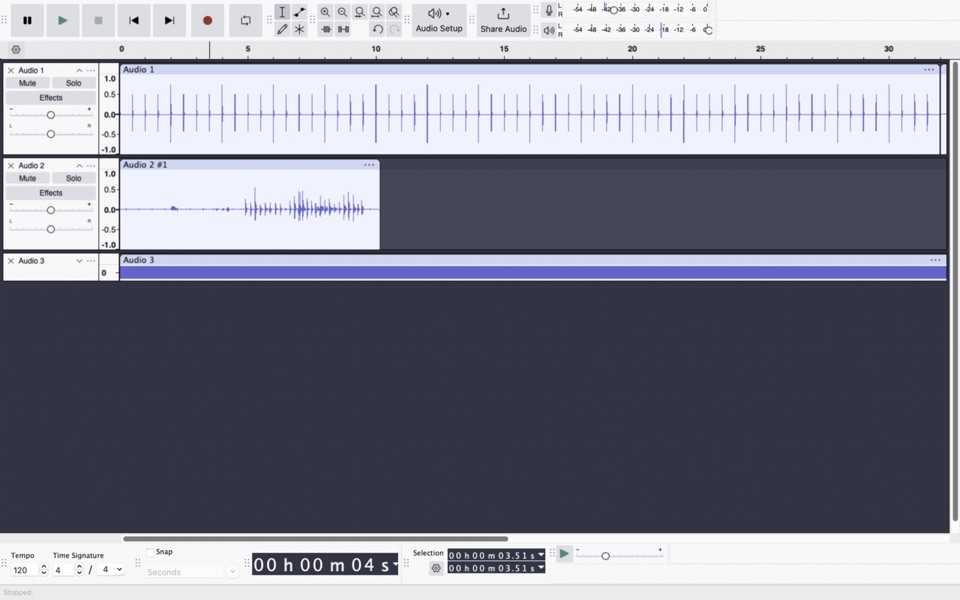 Best Offline Noise Removal Apps for Speech: September 2026Four desktop tools for cleaning recorded speech without an upload. Compare quick batch cleanup, manual editing, and detailed repair before choosing one.
- Best Podcast Audio Cleanup Apps: September 2026Seven ways to clean and finish spoken episodes, from transcript edits and multitrack mixes to automatic leveling and local batch processing.
- Best Voice Noise Removal Apps: September 2026Seven tools for cleaning noise from spoken recordings. See which fit steady hum, echo, one-off sounds, full podcast edits, or a batch of files.
- Audacity vs Adobe Podcast for Noise ReductionAudacity and Adobe Podcast clean speech in different ways. Compare the noise each handles, the editing work, upload needs, and where Ampliflare fits.
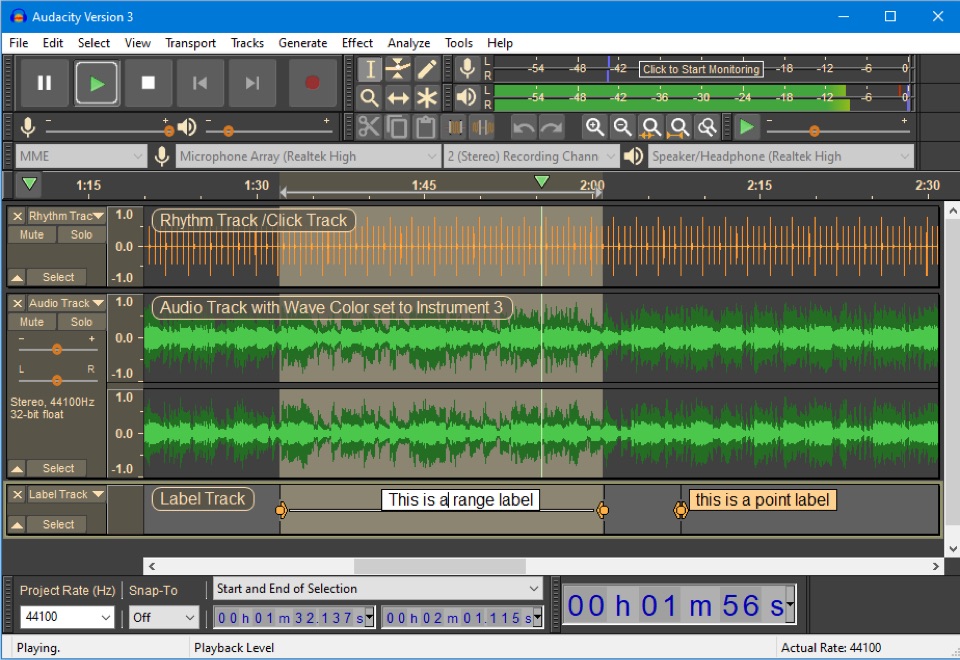 Audacity vs iZotope RX for Audio RepairA steady hum and a short noise over speech need different repairs. Compare Audacity with RX 12 Standard, then see Ampliflare's place in the workflow.
- Auphonic vs Descript for Podcast CleanupAuphonic finishes audio to a loudness target; Descript edits the spoken story. Compare cleanup, multitrack work, free plans, and Ampliflare's local route.
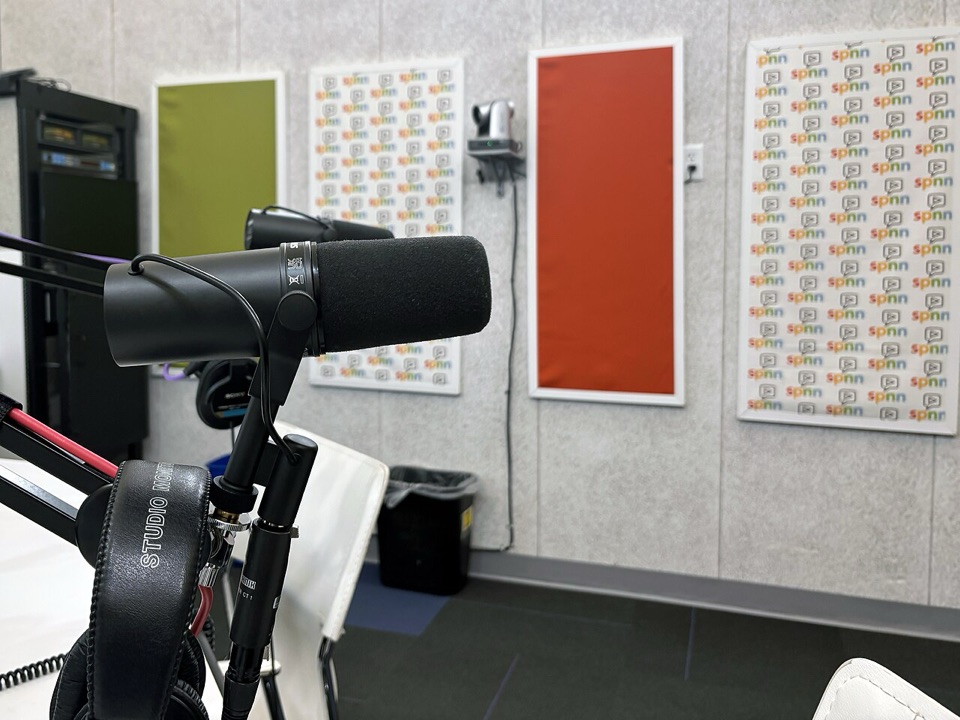 How to Remove Background Noise From a Voice Recording, OfflineClean fans, hum, traffic and room noise out of a voice recording on your own computer, step by step, with nothing uploaded. Works on Mac, Windows and Linux.
- Ampliflare Audio 1.0: Offline Noise Removal, Now Open SourceAmpliflare Audio 1.0 strips background noise from speech on your own computer, on Mac, Windows and Linux. The same day, its source went public under the AGPL.
 Ampliflare Audio 1.0Ampliflare Audio 1.0 lets you choose where results go, rebuilds the Split tool and adds licenses for commercial use. 1.0.1 bundles ffmpeg and makes the source public under the AGPL.